







Office 365 is a collection of Microsoft software that allows you to collaborate and share your school or office work. It’s available for free to active students, faculty, and staff at OCCC. The services include Office Word, PowerPoint, Excel, OneNote, and OneDrive. Office 365 allows the installation of this software on up to 5 devices. The devices allowed include iPhone and Android cell phones and tablet as well as personal Macs and PC’s.
When your account gets created you are automatically assigned an Office 365 license, please follow the instructions to install it in your computer:
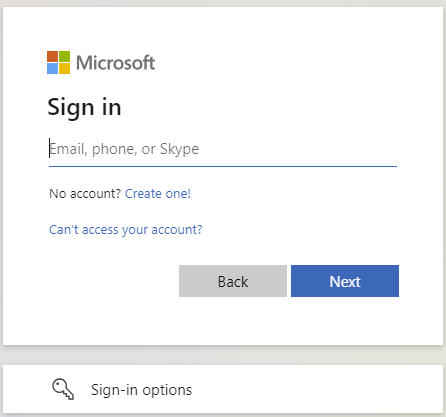
- Go to https://portal.office.com and type in your email address and password.
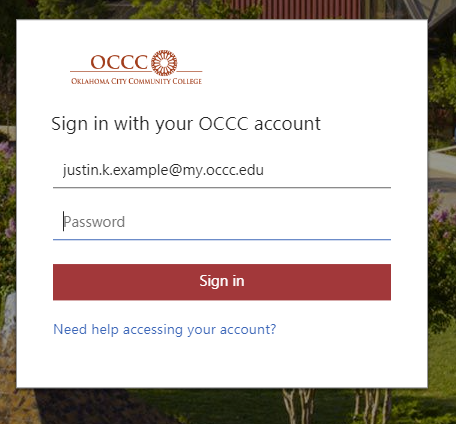
- Enter your password and select “Sign In”.
- You will be redirected to M356 Copilot. From here, select the “Apps” option from the left-hand menu.

- Select the “Install apps” button, then select “Microsoft 365 apps” from the drop-down list.

- From the “My account” tab, select “Install Office”.

- Locate the installer and install the O365 suite.
Office 365 subscriptions through OCCC ends upon graduation. You may enroll in other consumer or commercial offers available outside of OCCC licensing. If you have Office 365 Education with documents stored in OneDrive you should make sure to transfer all your files from your school OneDrive to your personal OneDrive prior to graduation.